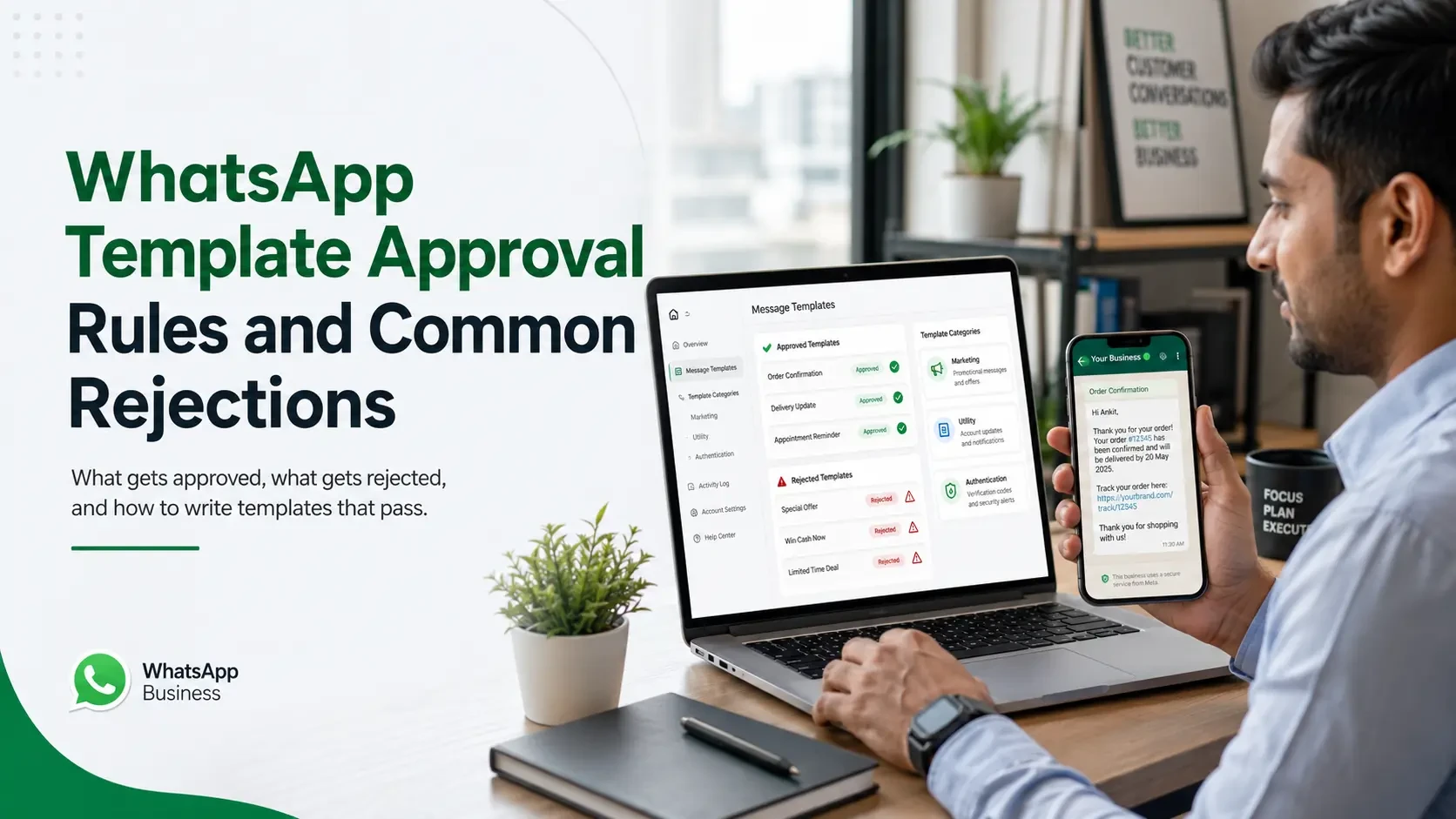
Every outbound WhatsApp message you send to a customer outside the 24-hour service window goes through a template.
And every template must be approved by Meta before you can use it.
Most Indian businesses learn this the hard way - submit a batch of templates, wait days, get rejections, redo, resubmit. The cycle costs weeks if you do not understand the rules.
What a template actually is
A pre-written message structure with variables you can fill in at send time.
Example structure "Hi {{customer_name}}, your order #{{order_id}} has been confirmed. It will be delivered by {{delivery_date}}. Track here: {{tracking_link}}."
When you actually send, you fill in the variables with the specific customer's data. The structure is fixed; the data is dynamic.
The three template categories
Marketing templates
Promotional content. Offers, sale announcements, product launches, re-engagement, coupon codes, event invitations.
Highest priced. Strictest review.
Requires explicit user opt-in for marketing communication. Sending marketing to non-opted-in users is a clear violation.
What gets approved clear offers with specific value, time-bound campaigns, recipient-relevant content, proper unsubscribe language.
What gets rejected - vague "check out our deals" messages, misleading discount claims, content not aligned with the business profile, marketing dressed up as utility.
Utility templates
Transactional content triggered by user action or documented relationship.
Categories Meta accepts as Utility - order confirmation, shipping updates, payment receipts, appointment confirmations and reminders, account alerts, service tickets, password notifications (not codes - those are Authentication).
What gets approved - clearly transactional content tied to a specific user action, appropriate variable usage, no promotional language.
What gets rejected - utility-labelled content that's actually marketing ("Your order shipped! Use 10% off for next time" - the 10% off makes it Marketing), purely informational messages with no tie to a user transaction.
Authentication templates
OTPs and verification codes only. Very strict format requirements.
What gets approved - code-based verification messages following Meta's exact format guidelines.
What gets rejected - anything that tries to bundle marketing or other content with authentication.
Common rejection reasons
Across Indian businesses submitting templates, these rejection reasons recur.
Wrong category
Submitting marketing content as utility. Meta's reviewers spot this consistently. Resubmit with the right category and the content usually passes.
Promotional language in utility
Single promotional sentence in an otherwise-utility template gets the whole thing reclassified or rejected.
Variables in wrong places
Starting or ending with a variable. Two variables next to each other with no text between. These trigger automatic rejection.
Inconsistent with business profile
If your business profile says you sell mobile phones and you submit a template for insurance plans, the template gets rejected as off-brand.
Generic spam-like content
"Special offer for you!" with no specifics, no time-bound details, no recipient-relevant context — reads as spam template.
How to write templates that pass first time
Five practices consistently produce first-time approvals.
Pick the right category. Marketing if there is any promotional intent. Utility only if it's transactional. Authentication for codes only.
Be specific. "Your order #{{order_id}} ships today with {{courier_name}}" beats "Your order is on the way."
Use variables for actual variable data. Customer name, order ID, amount, date. Not for marketing copy variations.
Include unsubscribe language for Marketing templates. "Reply STOP to opt out." Required and helps approval.
Match your business profile. The template content should make sense for what your business is registered as.
Template buttons - quick replies and CTAs
Templates can include interactive buttons that improve response rates significantly.
Quick reply buttons - pre-defined responses the user taps. Up to 3 buttons. Useful for yes/no, confirmation, options.
Call-to-action buttons - URL (opens browser) or Phone (initiates call). Useful for tracking links, payment links, booking pages.
Buttons must match the template content and category. Marketing buttons in utility templates trigger rejection.
Template approval timelines in India
Through good BSPs - 1 to 3 working days, often faster.
Through less established BSPs - 3 to 7 days, sometimes longer.
Rush approval - Meta does not officially offer this, but BSPs with strong Meta relationships sometimes resolve stuck templates faster.
The shift to make
Stop writing templates assuming they will be approved.
Start writing them assuming a strict reviewer will reject anything that's misaligned, vague, or in the wrong category - because that is what Meta's review actually does.
Get the category right. Be specific. Match your business profile. The approval rate jumps.
About the Author

Himani Chaudhary
Ready to orchestrate your AI future?
Converiqo AI helps you design, deploy, and scale automation workflows that move your business faster, leveraging specialized solutions like our AI bot platform for lead generation, customer self-service AI bot platform, employee self-service AI bot platform, retail omnichannel automation, and our detailed guides on how agentic AI bot platforms work in enterprises and cost structure of enterprise AI bot platforms. Connect with our team to see the platform in action and co-create the next chapter of intelligent operations.
Read More Blogs
Discover more insights and product updates curated by the Converiqo AI team.

Real ROI of Field Force Automation - Beyond the Activity Dashboard
Four metrics that show real field force automation ROI in India - productivity, data reliability, throughput, and field attrition - not just the activity dashboard.

Beat Planning Is the Highest-Leverage Field Force Capability - Here Is Why
Beat planning decides coverage, call frequency, and whether field time is productive. Why it is the single highest-leverage field force automation capability.
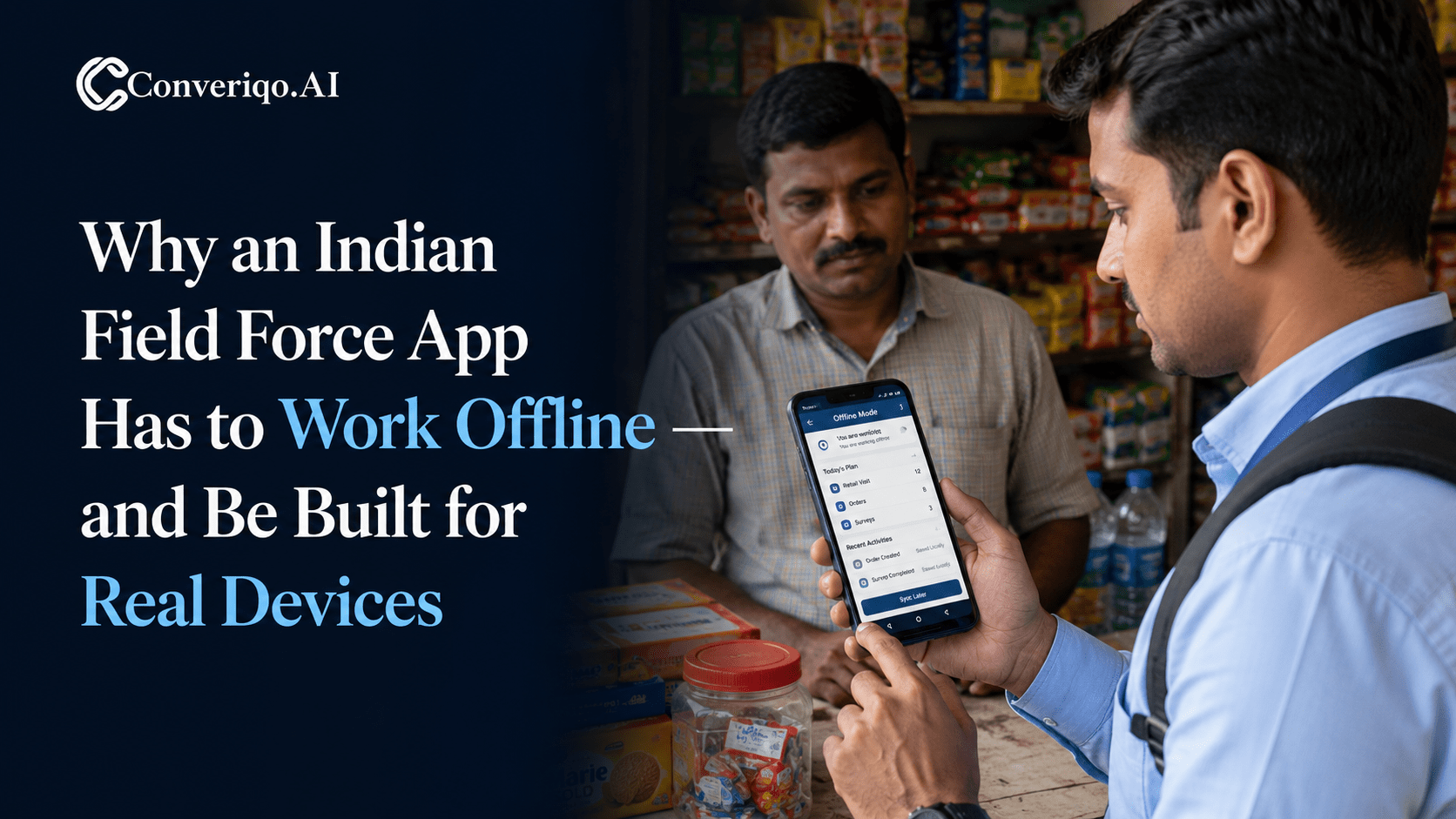
Why an Indian Field Force App Has to Work Offline - and Be Built for Real Devices
Field work in India happens where connectivity is intermittent. A field force app that assumes constant connectivity fails exactly where field work is done.