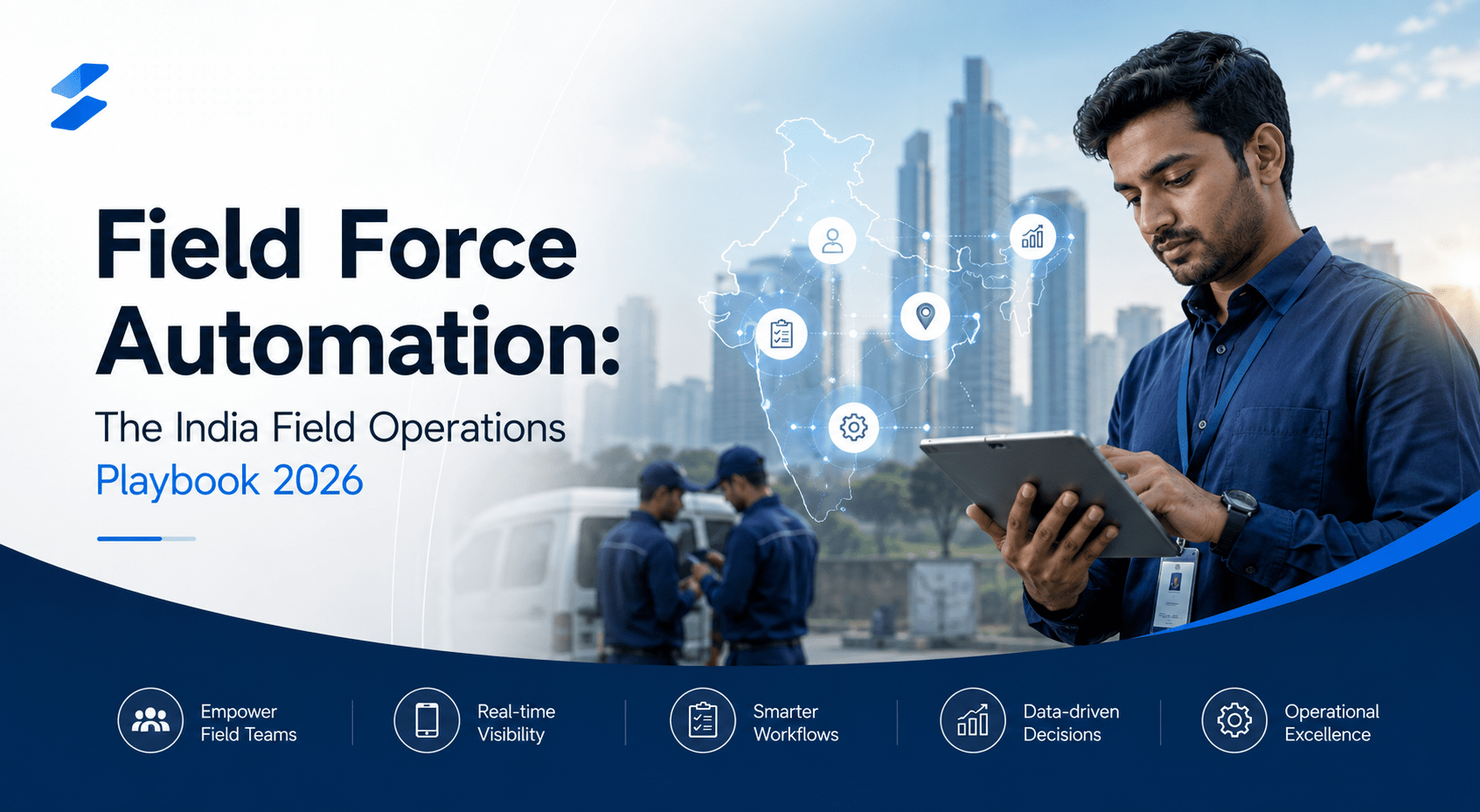
An Indian FMCG company runs a field sales team of 400 people. Each one starts the day on a two-wheeler, covers a list of retail outlets, takes orders, checks stock, notes what competitors are doing, and moves on. At some point in that day, each of them also has to deal with the company's field force app.
The app wants a GPS-stamped attendance punch in the morning. It wants a check-in at each outlet. It wants a visit to be logged, an order to be entered, a photo of the shelf, a set of fields filled in. The manager's dashboard, back at head office, shows where all 400 people are, how many outlets each one covered, how long they spent at each. By the standard the company set when it bought the app, the deployment is working - the dashboard is full of data.
Then look closer. The orders entered are often rounded, approximate, entered fast at the end of the day from memory rather than at the counter. The competitor notes are blank or copied from yesterday. The shelf photos are sometimes of the wrong shelf. The check-ins happen, but a fair number are punched from outside the outlet because the app was slow to load inside it. The field employee experiences the app as a tax on their day - a set of things head office requires that does not help them sell one more case of product.
This is the gap that defines field force automation in India in 2026. Most field force tools are built to answer the manager's question - where is my field team and are they working. Very few are built to answer the field employee's question - what would make my day on the road more productive. And because the tools are built for the first question and not the second, the field workforce uses them as little as it can get away with, which means the data the manager wanted is unreliable, which means the tool fails at its own stated purpose.
This pillar is about what field force automation actually means in 2026 for Indian companies. The difference between a tracking system and an enabling system, and why that difference decides everything. The seven capabilities that make up real field force automation. The India-specific layer that generic global tools miss - vernacular for the field workforce, offline-tolerant design for real Indian connectivity, the distribution structures of FMCG, pharma, BFSI, and insurance. And what the ROI looks like when the field workforce actually uses the tool.
Tracking is not enabling
The vocabulary problem in field force automation is the word 'automation' itself. Most Indian companies that say they have automated their field force have, in practice, deployed a tracking system. The two look similar on a feature list and are opposite in design intent.
A tracking system is built around the manager's need to know. Its core features are GPS location, attendance verification, visit counting, and activity reporting. Its success is measured by how complete the manager's dashboard is. The field employee, in this design, is a source of data - someone who must be made to report so the manager can see. The tool's burden falls on the field employee; the tool's benefit accrues to the manager.
An enabling system is built around the field employee's need to get through a productive day. Its core features plan the route, speed up capture, auto-fill what can be auto-filled, answer questions in the field, and move expenses faster. Its success is measured by whether the field employee's day got easier and more productive. The manager's visibility still exists - but it is a by-product of a workforce that uses the tool willingly, not a burden extracted from a workforce that resents it.
The distinction is not academic, because it determines data quality. A tracking system produces unreliable data by construction: the field employee, given a tool that costs them time and returns them nothing, enters the minimum the system will accept, and enters it fast and approximately. An enabling system produces reliable data as a side effect: the field employee captures the truth because capturing it is quick and because the tool is genuinely part of how they work. The company that bought a tracking system to get visibility ends up with a full dashboard of numbers it cannot trust. The company that built an enabling system gets visibility it can trust, almost incidentally.
The seven capabilities of real field force automation
1. Beat and route planning
Deciding which outlets, customers, or sites a field employee covers on which day - the beat plan or route plan - is the highest-leverage field force capability, because it governs coverage, call frequency, and whether field time is spent productively or in unplanned travel. Real automation builds and optimises the beat against frequency norms, territory geography, and priority, and adapts it when something changes, rather than leaving it as a static list someone made in a spreadsheet months ago.
2. Attendance and check-in
Attendance and outlet or site check-in is the capability most associated with tracking - and it is legitimate, the company does need to know the field day happened. The enabling version makes it fast and frictionless: a check-in that takes a second and works even when connectivity is poor, rather than a slow GPS handshake that the employee learns to punch from the roadside because doing it inside the outlet wastes their time.
3. Visit and order capture
Capturing what happened on a visit - the order, the stock position, the merchandising, the competitor activity, the site condition - is where field data is born. The enabling design makes capture fast and offline-tolerant, and auto-fills everything it can from order history, master data, and the last visit, so the employee confirms and adjusts rather than typing from scratch. Fast, assisted capture is what produces truthful data.
4. Service task execution
For service field forces - technicians, installers, surveyors - the system carries the task, the customer and asset history, the checklist, the parts information, and the proof-of-completion capture. The field technician should arrive knowing what they are walking into and leave with the job closed in the system without a separate evening of paperwork.
5. Expense and reimbursement
Field work generates daily expenses - travel, fuel, lodging, daily allowance. Capturing claims in the field as they happen, routing them for approval automatically, and shortening the reimbursement cycle is a capability that directly affects how the field workforce feels about the company. Slow reimbursement is a quiet, under-measured driver of field attrition.
6. In-field knowledge access
The field employee constantly needs answers - current pricing, scheme details, product information, stock availability, policy questions, the answer to something a customer just asked. An enabling system puts those answers in the field employee's hand, in their language, in the moment, rather than requiring a phone call to a manager or a 'let me check and get back to you' that loses the order.
7. Performance visibility - for the field employee too
Performance data should be visible to the field employee about their own work - their coverage, their throughput, their targets and where they stand - not only to the manager about the team. A field employee who can see their own numbers can manage their own day. The manager's team view is the same data aggregated; it is not a separate, secret system.
The India-specific layer
Vernacular for the field workforce
India's field workforce - the medical representative, the FMCG salesperson, the insurance agent, the service technician, the collection executive - is predominantly more comfortable in Hindi and regional languages than in English. A field force app whose interface, prompts, and knowledge content are English-only excludes a large share of the workforce from genuine use; they will operate it mechanically without really using it. Vernacular is not a nice-to-have for an Indian field app. It is a precondition for adoption.
Offline-tolerant by design
Field work in India happens where connectivity is intermittent - rural beats, semi-urban markets, the interior of a large building, a basement retail outlet, a dense urban dead zone. A field force app that assumes constant connectivity fails in exactly the conditions field work is done in. Offline-tolerant capture - the employee records everything locally and the app syncs when a connection returns - is a structural requirement, not an advanced feature. A tool that freezes without signal teaches the field employee to stop using it.
Mobile-first, low-end-device-tolerant
The field force runs on phones, often mid-range or older Android devices on modest data plans. The app has to be light, fast, and frugal with data and battery. An app designed for a flagship phone on an office wifi network will be a daily frustration for a salesperson on a five-year-old handset in the field.
Built for India's distribution structures
Indian field force work is shaped by sector-specific distribution structures. FMCG runs through distributors, the DMS, and a beat of retail outlets. Pharma runs through medical representatives calling on doctors and chemists with call-reporting norms. BFSI and insurance run through field officers doing lead, onboarding, and collection visits. Consumer durables and building materials run through dealers and project sites. Agri-inputs run through rural channels. A field force automation platform for India has to fit these structures - the distributor and DMS integration for FMCG, the doctor-and-chemist call model for pharma, the collection workflow for lending - rather than imposing a single generic visit model on all of them.
Compliance and field conduct
Some field sectors carry conduct and compliance overlays - fair-practice expectations in lending and collections, regulatory norms in insurance selling, sector codes in pharma promotion. A field force system in these sectors should support compliant conduct in the field - what can be said, what must be recorded, what consent is needed - rather than leaving it entirely to the individual field employee's memory.
What to measure
Four metrics, used together - and notice that only one of them is the thing tracking systems measure.
Field productivity. Productive outputs per field day - orders captured, productive calls, service tasks closed, qualified visits - not just outlets touched or kilometres covered. A tracking system measures activity; an enabling system should move genuine output. This is the metric that tells you the tool is helping the field employee do more, not just reporting what they did.
Field data reliability. The accuracy and completeness of field-captured data - orders, stock, competitor activity, site conditions - measured by audit or cross-check. This is the metric that exposes the tracking-system failure: a tracking deployment can show high activity numbers and low data reliability at the same time. An enabling deployment lifts reliability because the field employee can record the truth quickly.
Throughput and cycle outcomes. The business outcome the field force exists for - sales throughput, collection rates, service completion times, coverage of priority outlets or customers. Field force automation should move this; if it does not, the deployment is producing dashboards and not results.
Field workforce experience and attrition. Field attrition is high in many Indian field-heavy sectors, and the daily experience of the required tools is one controllable factor. Track field workforce attrition and, where possible, field employee sentiment about the tools. An enabling system should improve both over 12 to 18 months; a tracking system that the workforce resents contributes to the attrition rather than reducing it.
Field force platform evaluation rubric
When evaluating field force automation platforms for the Indian market, score against twelve criteria.
Enabling design - the field employee's productivity is the primary design goal, not an afterthought to manager tracking.
Offline-tolerant capture with reliable deferred sync, tested in genuine low-connectivity conditions.
Vernacular interface, prompts, and knowledge content across the major Indian languages relevant to the workforce.
Light, fast, low-data, low-battery operation on mid-range and older Android devices.
Beat and route planning that optimises and adapts, not a static list.
Fast, auto-filled visit and order capture that produces truthful data quickly.
Service task execution support for service field forces - task, history, checklist, proof of completion.
Expense and reimbursement capture and approval that shortens the cycle.
In-field knowledge access - pricing, schemes, products, policy - in the field employee's language.
Performance visibility for the field employee, not only the manager.
Native integration with the sector's system of record - ERP, DMS, CRM, service management - and with the relevant distribution structure.
Sector-fit for the company's field model - FMCG beat, pharma call reporting, BFSI/insurance field visits - and INR-denominated pricing with India-based support.
30-60-90 day implementation roadmap
Days 1-30 - Foundation
Map the current field model - the field roles, their daily tasks, the distribution structure, the system of record. Audit the existing tool, if there is one, honestly: is it a tracking system or an enabling one, and what is field adoption and data reliability actually like. Identify the two or three capabilities that would most improve the field day - usually beat planning and fast capture. Configure the integration with the ERP, DMS, or CRM. Build the mobile app for the priority capabilities with offline tolerance and the relevant vernacular languages. Launch a pilot with one region or one field team.
Days 31-60 - Expansion
Roll out to all field teams in the sector's field model. Add the remaining capabilities — service task execution where relevant, expense and reimbursement, in-field knowledge access. Add the field-employee performance view. Expand vernacular coverage to the full language range of the workforce. Set up the reporting for the four metrics. Run the first field workforce sentiment check to establish a baseline.
Days 61-90 - Optimisation
Tune beat plans against actual coverage and productivity data. Add sector compliance support where relevant. Optimise capture flows based on where the field workforce is still slow. Move reporting from activity metrics to the outcome metrics - field productivity, data reliability, throughput, attrition. Set the quarterly review cadence that includes field workforce experience alongside the sales or service numbers.
When NOT to use field force automation
Three situations.
If the field workforce is very small - under roughly 15 to 20 people in a single, simple territory - a structured automation platform may carry more configuration and change-management overhead than it returns. A small, tightly-managed field team can run effectively on simpler tools and direct supervision. Automation pays off when field headcount and territory complexity strain direct management.
If the company's intent is genuinely only surveillance - if leadership wants the tool purely to monitor the field workforce and has no interest in enabling them - then it is honest to recognise that as a tracking deployment, and tracking deployments deliver low adoption and unreliable data. The right move is to change the intent, not to buy a better tracking tool. A field force automation platform deployed with a pure-surveillance intent will underperform its own business case.
If the system of record is not in place - no functioning ERP, DMS, or CRM for the field app to integrate with - field force automation built on top becomes a data island. Sequence the system of record first; the field app should feed and draw from it, not float beside it.
The Converiqo angle
Converiqo approaches field force automation as an enabling system - agentic AI across the seven capabilities, mobile-first and offline-tolerant by design, vernacular across the major Indian languages, beat and route planning that adapts, fast auto-filled capture, in-field knowledge access in the field employee's language, expense and performance built for the field employee as much as the manager, native integration with the ERP, DMS, CRM, and service management stack, sector-fit for FMCG, pharma, BFSI, insurance, and the other field-heavy verticals, INR-priced.
The platform is the platform. The question worth answering for any company running a field force is whether the tool the field workforce carries every day is genuinely making their day more productive - and whether, as a result, the field data the business depends on is data it can trust. If the field workforce uses the tool willingly and the data is reliable, field force automation is delivering. If the workforce uses it as little as it can and the dashboard is full of numbers nobody quite believes, the company bought a tracking system and called it automation.
Frequently Asked Questions
What is field force automation?
Field force automation is the orchestration of the work a deskless, mobile workforce does outside the office - beat and route planning, attendance and check-in, visit and order capture, service task execution, expense and reimbursement, in-field knowledge access, and performance visibility - delivered through a mobile-first, offline-tolerant, vernacular system. It differs from field force tracking, which is built primarily to monitor where field employees are.
How is field force automation different from field force tracking?
Field force tracking is built around the manager's need to know - GPS location, attendance, visit counts - and its success is a full manager dashboard. Field force automation is built around the field employee's need to get through a productive day, and the manager's visibility is a by-product of a workforce that genuinely uses the tool. Tracking systems produce unreliable data because the workforce reports the minimum; enabling systems produce reliable data as a side effect.
Why do field force apps have low adoption in India?
Usually because they are tracking systems that add reporting burden to the field employee's day without saving them time, so the workforce uses them as little as it can. Three further India-specific reasons compound it - English-only interfaces that exclude a vernacular-comfortable workforce, apps that assume constant connectivity and fail in real field conditions, and apps too heavy for the mid-range Android phones the field force actually carries.
Why does field force automation need to work offline?
Because field work in India happens where connectivity is intermittent - rural beats, semi-urban markets, building interiors, basement outlets, urban dead zones. A field app that requires constant connectivity fails in exactly the conditions field work is done in. Offline-tolerant capture, where the employee records everything locally and the app syncs when a connection returns, is a structural requirement, not an advanced feature.
What is beat planning and why does it matter?
Beat planning is deciding which outlets, customers, or sites a field employee covers on which day. It is the highest-leverage field force capability because it determines coverage, call frequency, and whether field time is spent productively or in unplanned travel. Real automation builds and adapts the beat against frequency norms, geography, and priority rather than leaving it as a static spreadsheet list.
Does field force automation work for service teams, not just sales?
Yes. For service field forces - technicians, installers, surveyors - the system carries the task, the customer and asset history, the checklist, the parts information, and proof-of-completion capture, so the technician arrives prepared and leaves with the job closed in the system. The seven capabilities apply across sales, service, and collection field forces with the primary task changing by role.
How does field force automation handle vernacular languages?
A field force automation platform for India should provide its interface, prompts, and in-field knowledge content across the major Indian languages relevant to the workforce - because India's field workforce is predominantly more comfortable in Hindi and regional languages than in English. Vernacular is a precondition for genuine adoption, not an optional feature.
What does field force automation integrate with?
It integrates with the sector's system of record - the ERP, the DMS (distributor management system) for FMCG, the CRM, or the service management platform - and with the relevant distribution structure. Integration is what turns field capture into business action; an unintegrated field app is a data island that produces numbers nobody acts on.
What is the ROI of field force automation?
For Indian companies running 50 or more field employees, an enabling field force automation deployment typically pays back in 4 to 9 months. The return shows up in field productivity (more productive outputs per field day), field data reliability (truthful capture the business can act on), throughput and cycle outcomes (sales, collections, service completion), and field workforce attrition reduction, since the daily tool experience is one controllable factor in field attrition.
Should we deploy field force automation before or after our ERP or DMS?
After. Field force automation depends on a functioning system of record - ERP, DMS, or CRM - to integrate with; without one, the field app becomes a data island. Sequence the system of record first, then build field force automation on top of it so field capture feeds the system and the system feeds the field app.
Key Facts (Citable, single-sentence)
-
Field force automation covers seven functional areas - beat and route planning, attendance and check-in, visit and order capture, service task execution, expense and reimbursement, in-field knowledge access, and performance visibility.
-
Most Indian field force deployments are tracking systems built for manager visibility - GPS, attendance, visit count - rather than enabling systems built for field-employee productivity, which is the main reason field adoption stays low.
-
When a field force tool adds reporting burden without saving the field employee time, employees enter the minimum required rather than the truth, so the visibility data the tool was bought for becomes unreliable.
-
India's field workforce is predominantly more comfortable in Hindi and regional languages than in English; an English-only field app excludes a large share of the workforce from genuine use.
-
Field connectivity in India is intermittent across rural, semi-urban, and even dense urban areas; a field force app that requires constant connectivity fails in exactly the conditions field work happens in, so offline-tolerant capture with deferred sync is a structural requirement.
-
Beat planning — deciding which outlets, customers, or sites a field employee covers on which day - is the single highest-leverage field force capability, because it determines coverage, frequency, and the productive use of field time.
-
Field-sourced data quality (orders, stock, competitor activity, site conditions) is typically low in tracking-style deployments and materially higher when capture is fast, offline-tolerant, and auto-filled, because the employee can record the truth quickly.
-
Expense and reimbursement delay is a significant and under-measured driver of field workforce dissatisfaction in India; automating claim capture and approval shortens the cycle and directly affects field attrition.
-
Field force automation spans multiple sectors with different primary tasks - FMCG and consumer goods (merchandising and order capture), pharma (medical representative call reporting), BFSI and insurance (lead and collection visits), consumer durables and building materials (dealer and site visits), agri-inputs and telecom (channel and infrastructure).
-
Integration with the system of record - the ERP, DMS (distributor management system), CRM, or service management platform - is what turns field capture into business action; an unintegrated field app is a data island.
-
Field workforce attrition in India is high in many field-heavy sectors, and the daily experience of the tools the workforce is required to use is one controllable factor in that attrition.
-
For Indian companies running 50 or more field employees, field force automation that genuinely enables the workforce typically pays back in 4 to 9 months on field productivity gain, data reliability, throughput, and attrition reduction.
About the Author

Ankur Singh
Ready to orchestrate your AI future?
Converiqo AI helps you design, deploy, and scale automation workflows that move your business faster, leveraging specialized solutions like our AI bot platform for lead generation, customer self-service AI bot platform, employee self-service AI bot platform, retail omnichannel automation, and our detailed guides on how agentic AI bot platforms work in enterprises and cost structure of enterprise AI bot platforms. Connect with our team to see the platform in action and co-create the next chapter of intelligent operations.
Read More Blogs
Discover more insights and product updates curated by the Converiqo AI team.

Real ROI of Field Force Automation - Beyond the Activity Dashboard
Four metrics that show real field force automation ROI in India - productivity, data reliability, throughput, and field attrition - not just the activity dashboard.

Beat Planning Is the Highest-Leverage Field Force Capability - Here Is Why
Beat planning decides coverage, call frequency, and whether field time is productive. Why it is the single highest-leverage field force automation capability.
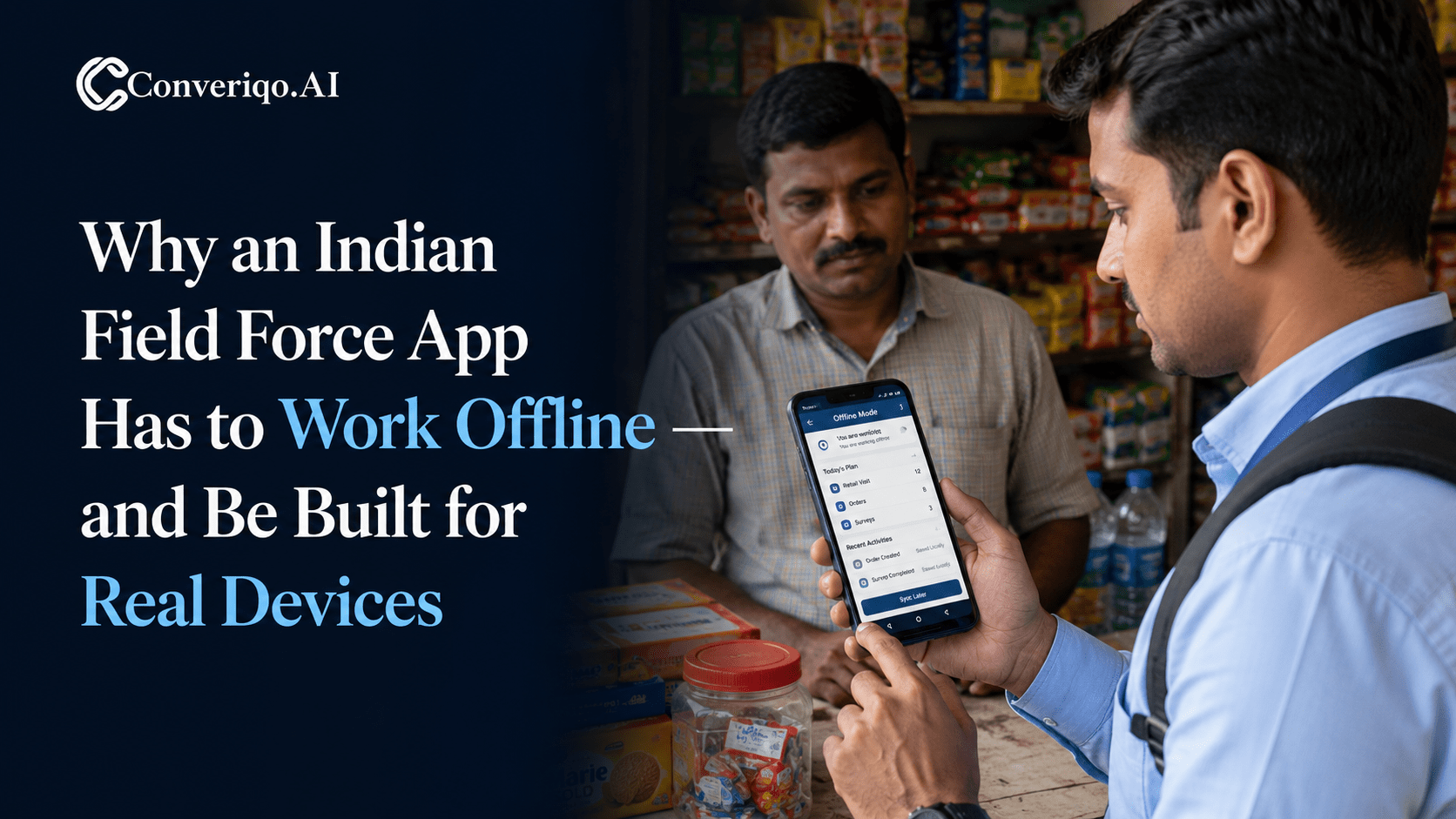
Why an Indian Field Force App Has to Work Offline - and Be Built for Real Devices
Field work in India happens where connectivity is intermittent. A field force app that assumes constant connectivity fails exactly where field work is done.