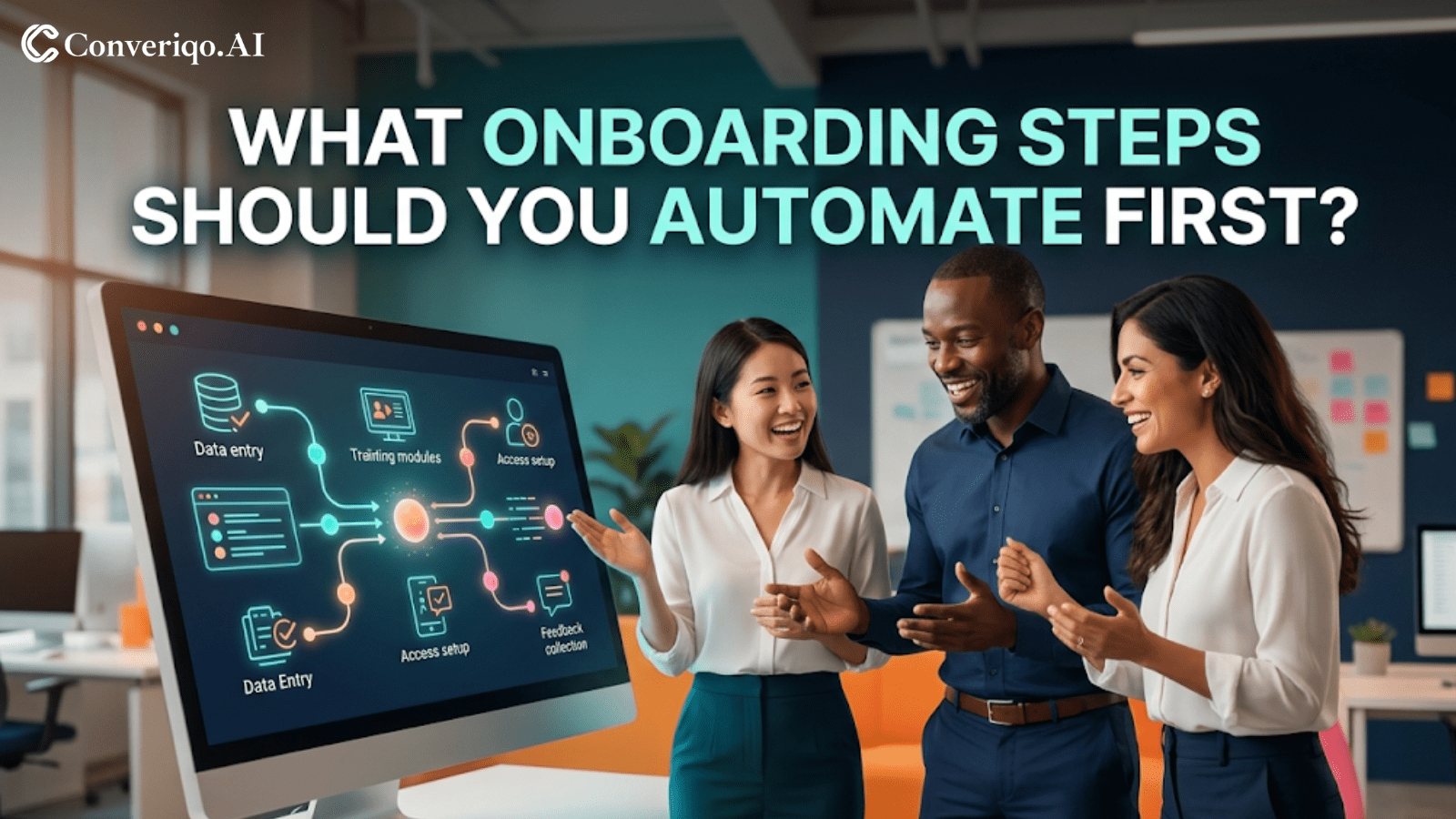
One of the most common mistakes businesses make with onboarding automation is trying to automate the entire process from the beginning.
While this may seem efficient, it often leads to confusion, poor experience design, and lack of clarity for both customers and teams. When too many moving parts are automated at once, the workflow becomes harder to manage instead of easier.
A better approach is to start with the parts of onboarding that are repetitive, structured, and easy to measure. This is where automation delivers immediate value without creating friction.
Where Onboarding Automation Should Start
The most effective starting point is identifying steps that are repeated frequently and consume significant manual effort. These are typically predictable and directly tied to customer progress.
Ideal characteristics of early onboarding automation:
- Repetitive in nature
- Clearly structured with defined steps
- High in frequency across customers
- Easy to track and measure
- Time-consuming for teams
- Critical for customer progression
Focusing on these areas allows businesses to achieve early wins while keeping the experience simple and clear.
The Best Onboarding Steps to Automate First

Welcome and Next-Step Messaging
Immediately after conversion, customers need clarity. Automated welcome and next-step communication helps set expectations and guide them forward.
Document or Information Collection Reminders
When onboarding depends on customer input, reminders ensure that required documents or details are submitted on time.
Incomplete-Step Follow-Up
Customers often stall during onboarding. Automated follow-ups help maintain momentum and reduce drop-off.
Kickoff Scheduling or Setup Coordination
Automating scheduling reduces administrative effort and helps move the onboarding process forward faster.
Progress Updates
Customers should always know where they stand. Progress updates improve visibility and reduce uncertainty.
First-Success or First-Use Prompts
Guiding customers toward their first meaningful outcome builds confidence and accelerates activation.
These steps are strong starting points because they are measurable, repeatable, and closely tied to onboarding success.
What Not to Automate First
Some parts of onboarding require human judgment, empathy, and flexibility. Automating these too early can create poor experiences.
Avoid starting with:
- High-empathy problem resolution
- Complex implementation consulting
- Nuanced stakeholder alignment
- Exception-heavy onboarding scenarios
- Relationship-sensitive negotiations
Automation can support these areas later, but it should not replace human involvement at the beginning.
Conclusion
The goal of onboarding automation is not to build a complex system from day one. It is to create clarity, maintain momentum, and reduce manual effort.
By starting with structured and repetitive steps, businesses can improve onboarding efficiency while keeping the experience smooth and understandable for customers. This approach builds a strong foundation for scaling automation over time.
CTA Section
FAQs
What onboarding steps are easiest to automate first?
Welcome flows, reminders, document collection nudges, kickoff scheduling, and incomplete-step follow-ups are usually the best starting points.
Why not automate high-touch onboarding first?
Because high-touch workflows require human judgment and flexibility, which automation cannot handle effectively at the early stage.
Can automation support complex onboarding later?
Yes. Once the system is stable, automation can assist more complex workflows alongside human teams.
How do businesses identify repetitive onboarding steps?
By analyzing frequency, consistency, and the amount of manual effort required for each step.
What is the main benefit of starting with simple automation?
It helps reduce manual workload, improve clarity, and deliver quick, measurable improvements in onboarding performance.
About the Author
Himani chaudhary
Ready to orchestrate your AI future?
Converiqo AI helps you design, deploy, and scale automation workflows that move your business faster, leveraging specialized solutions like our AI bot platform for lead generation, customer self-service AI bot platform, employee self-service AI bot platform, retail omnichannel automation, and our detailed guides on how agentic AI bot platforms work in enterprises and cost structure of enterprise AI bot platforms. Connect with our team to see the platform in action and co-create the next chapter of intelligent operations.
Read More Blogs
Discover more insights and product updates curated by the Converiqo AI team.
Real ROI of Field Force Automation - Beyond the Activity Dashboard
Four metrics that show real field force automation ROI in India - productivity, data reliability, throughput, and field attrition - not just the activity dashboard.

Beat Planning Is the Highest-Leverage Field Force Capability - Here Is Why
Beat planning decides coverage, call frequency, and whether field time is productive. Why it is the single highest-leverage field force automation capability.
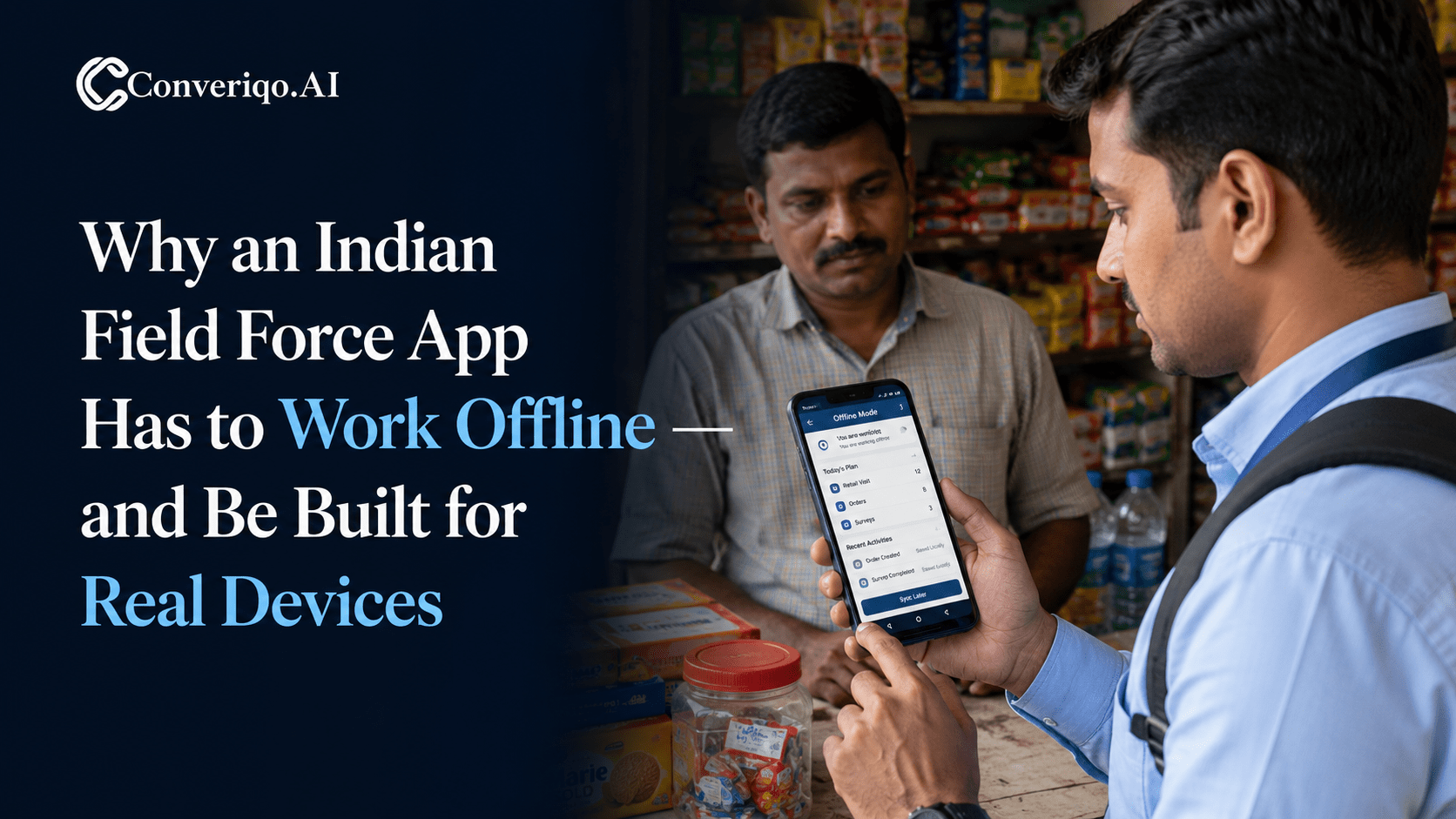
Why an Indian Field Force App Has to Work Offline - and Be Built for Real Devices
Field work in India happens where connectivity is intermittent. A field force app that assumes constant connectivity fails exactly where field work is done.